The digital university, in a box.
Single sign-on, timetable, video classes, exam proctoring, achievements, student elections and programme accreditation. Connected services your university runs on its own servers — under its own brand.
- Identity
- Timetable
- Video classes
- Proctoring
- Achievements
- Elections
- Accreditation
Why Digiversity
One platform instead of a patchwork.
A typical university runs a separate system for every job — each with its own login, its own copy of student records and its own look. Digiversity replaces the patchwork with modules that share one sign-in, one registry of people and one design.
Already on Moodle? Keep it — Digiversity signs your users in and proctors your quizzes natively.
One sign-in
Students and staff log in once and move between every service.
One source of truth
People, groups and departments live in one registry that every module reads.
One experience
The same components and patterns in the browser and on phones.
Modules
Seven services. One digital university.
From the first sign-in to accreditation — every part of university life on one platform.
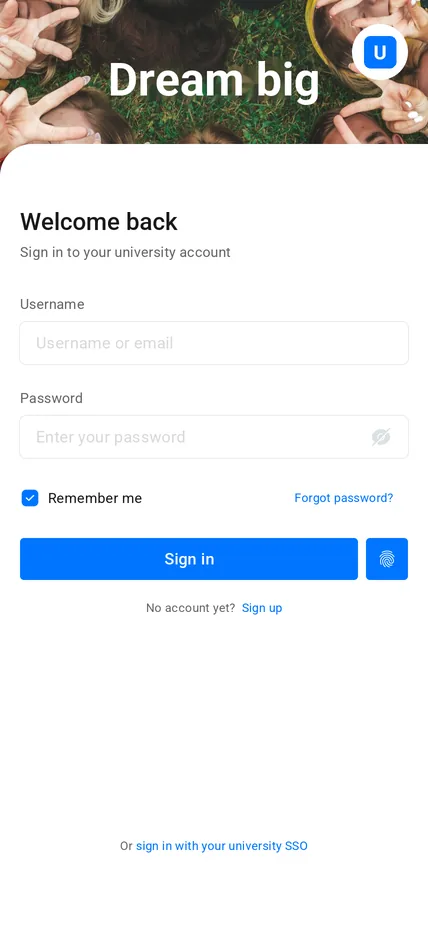
01 · Identity
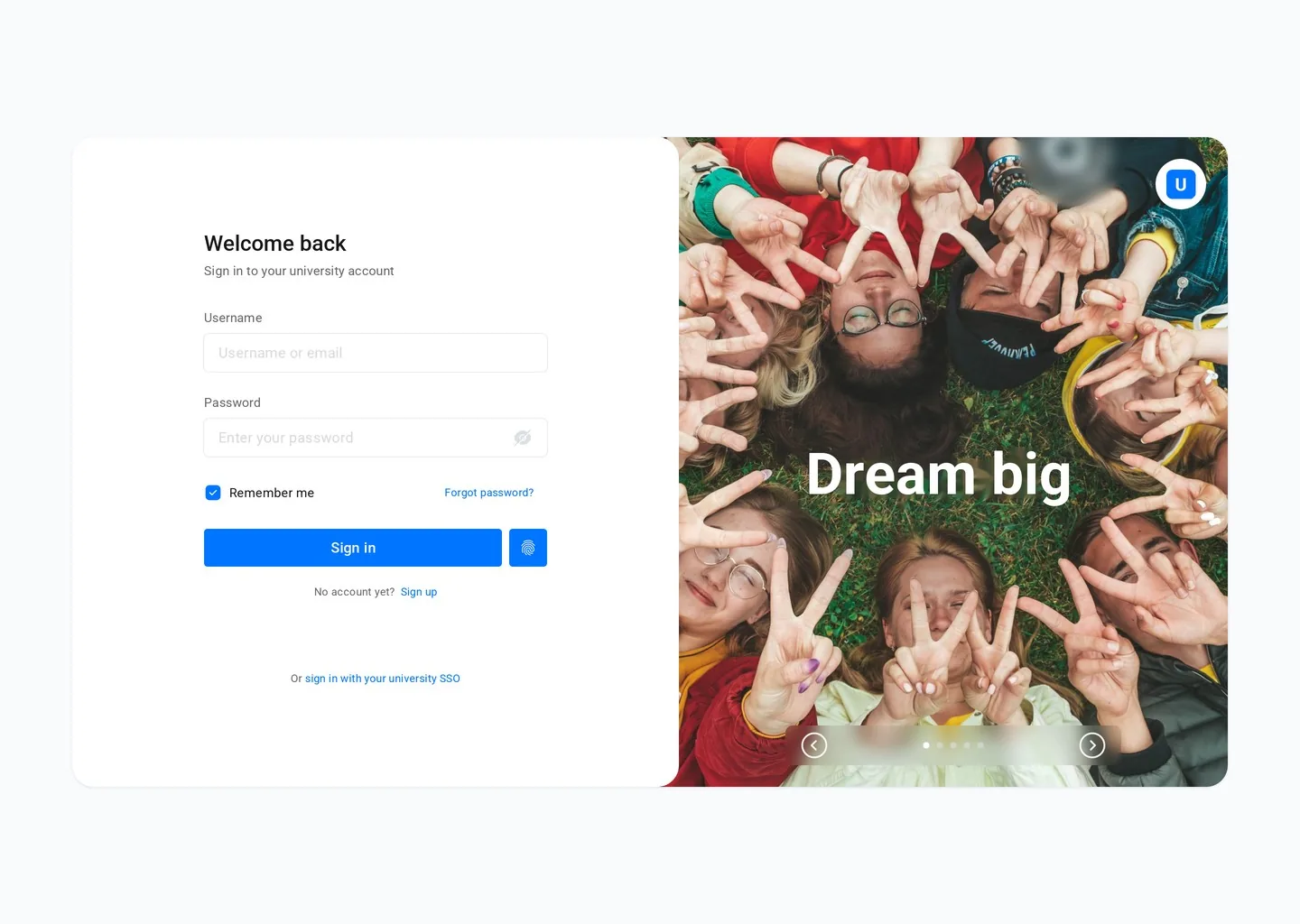
One account for the whole campus
Single sign-on for every Digiversity module and your existing systems. Profiles, security settings and linked accounts in one place.
- OpenID Connect & SAML
- Two-factor authentication
- Moodle single sign-on
02 · Timetable
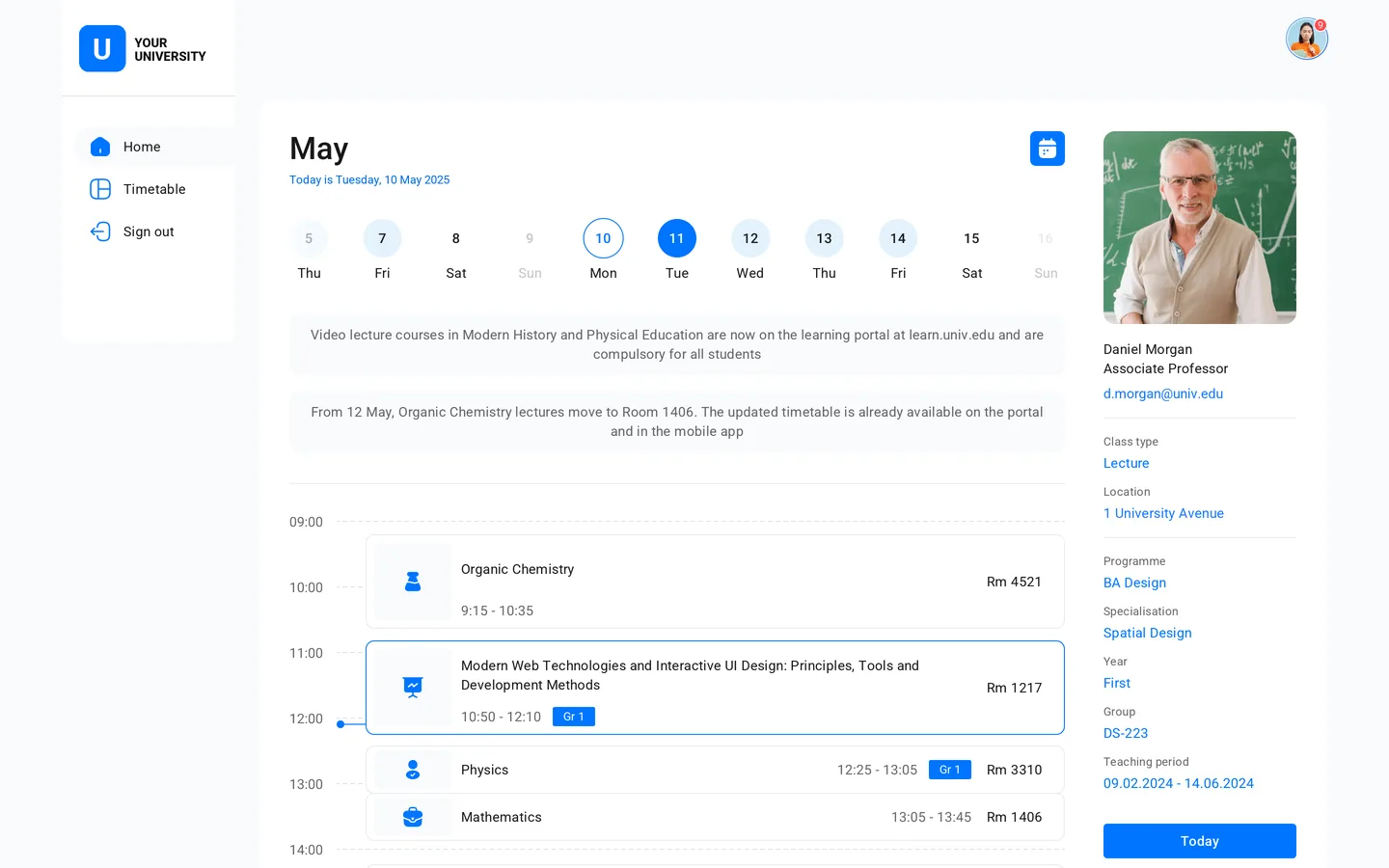
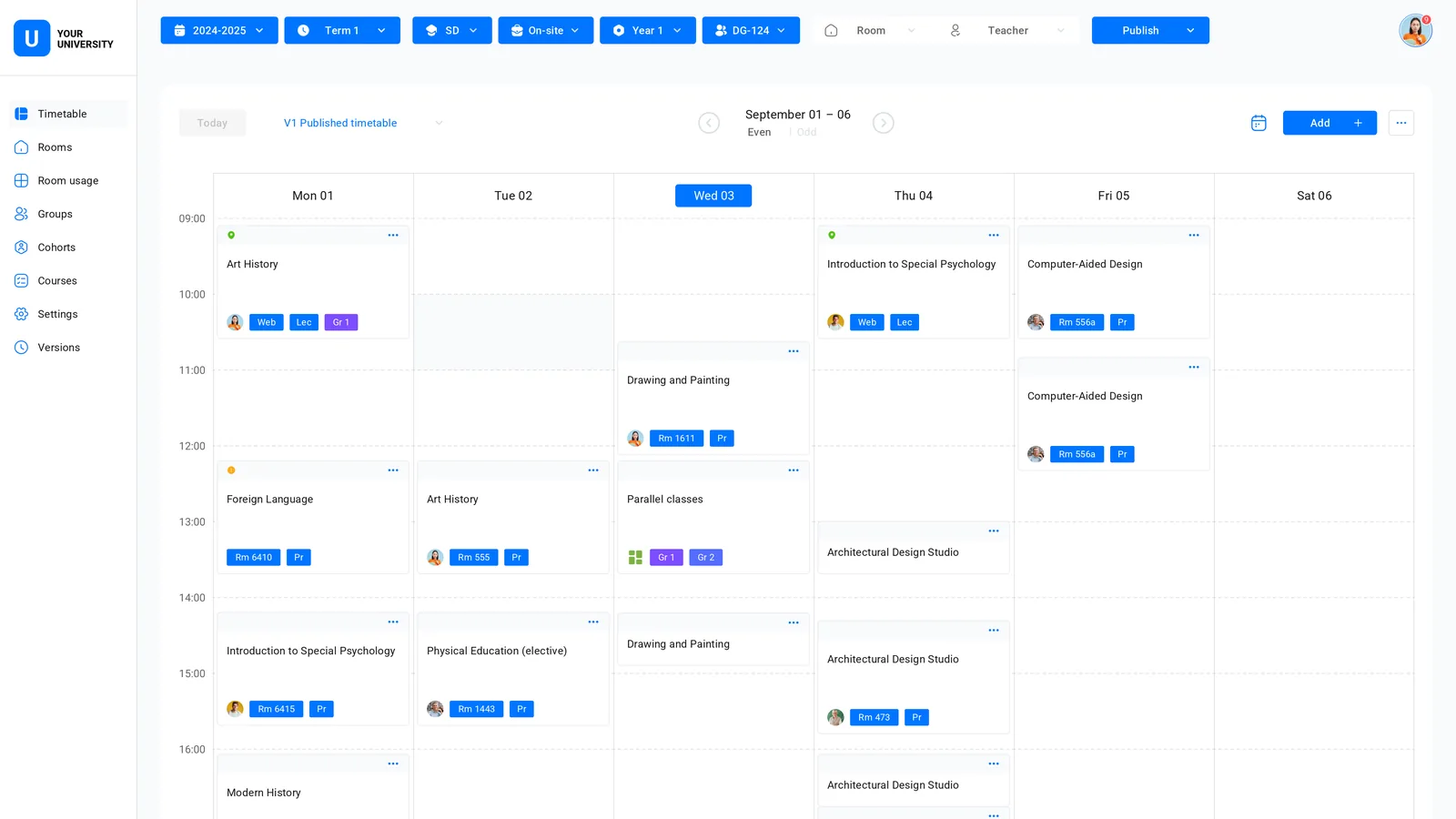
Plan, publish and share the timetable
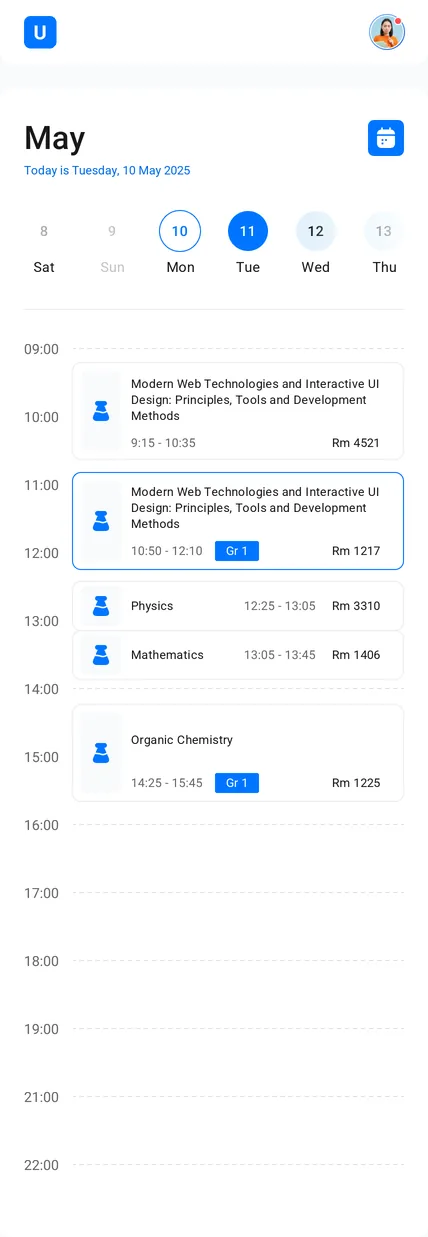
Build the week by group, room or teacher, publish versions, and let everyone see their day on any device.
- Group, room and teacher views
- Versioned publishing
- Personal day on mobile
03 · Video classes
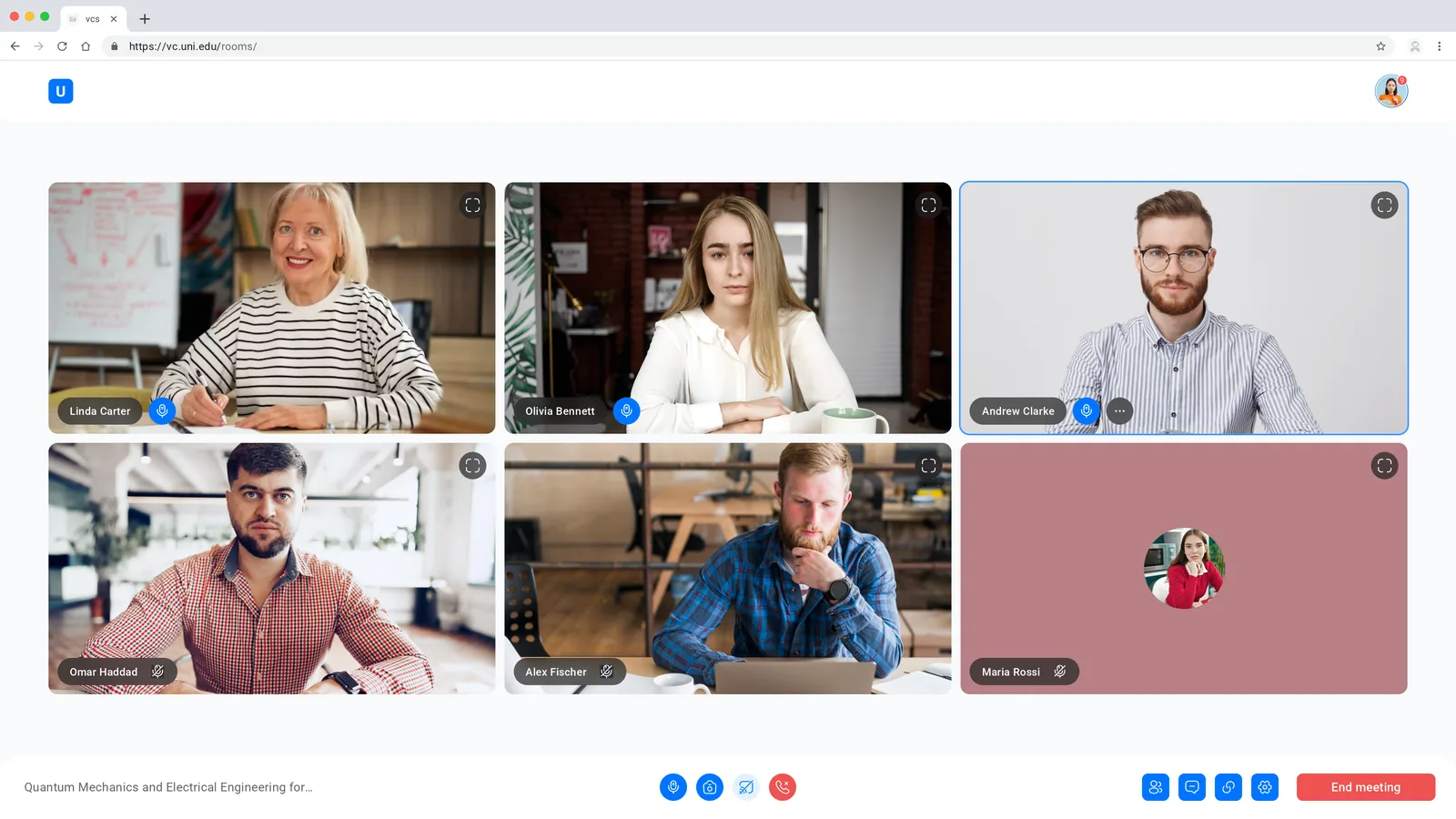
Live classes without third-party accounts
Video rooms built into the platform. Lectures, seminars and meetings open with the same sign-in and run on your own servers.
- Rooms per course and group
- Chat and screen sharing
- Host controls
04 · Proctoring
Online exams you can trust
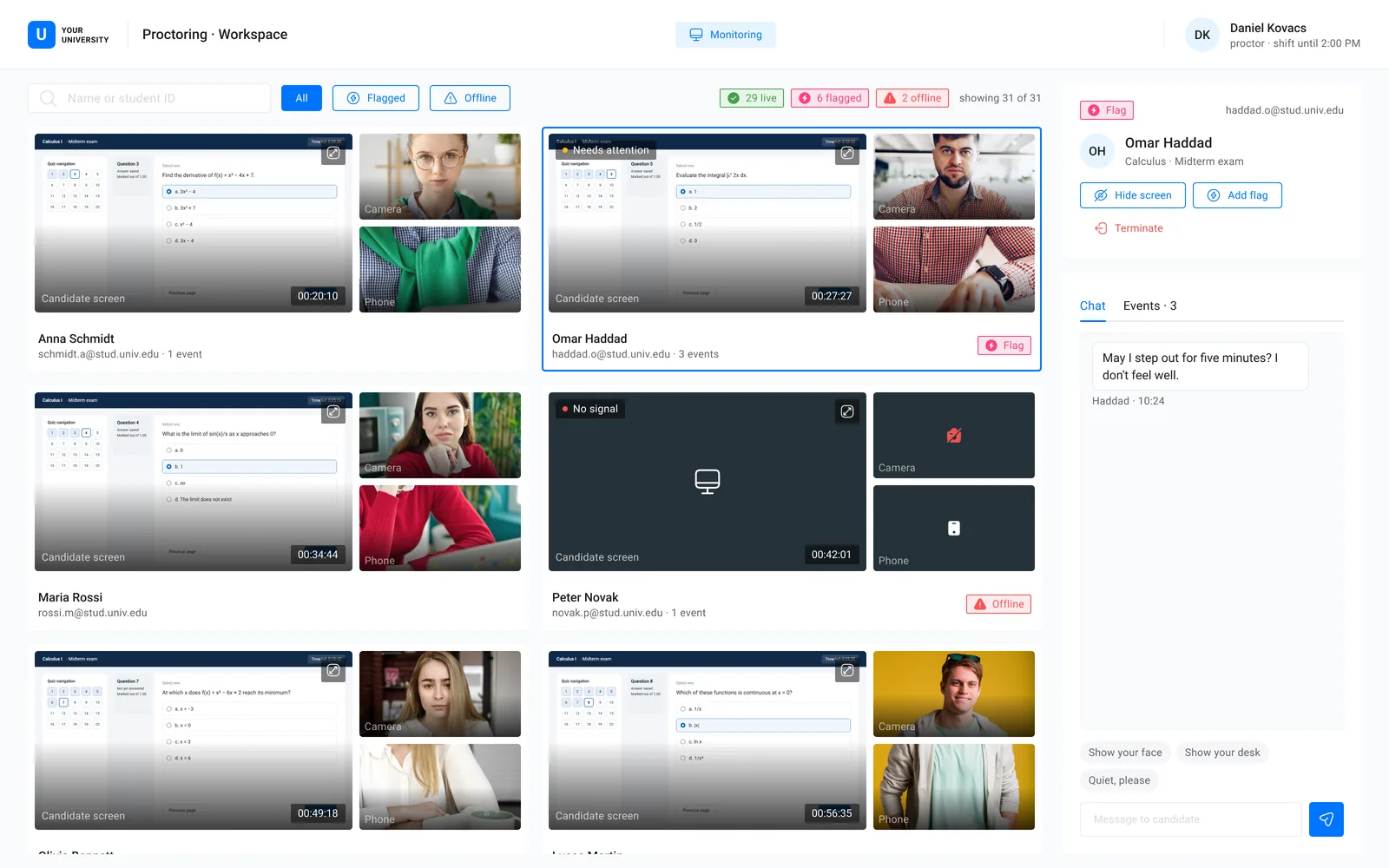
Camera, phone and screen streams for every candidate, and a proctor workspace to watch, chat, flag and step in.
- Native Moodle integration
- Identity check before the exam
- Flags and event history
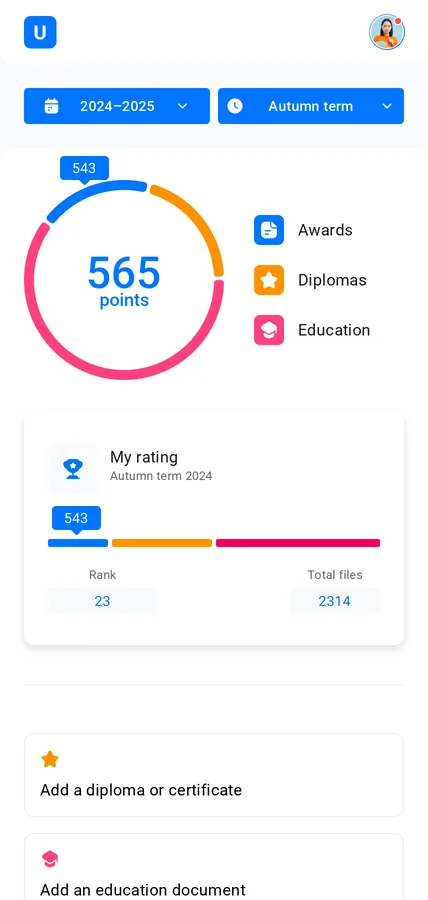
05 · Achievements
Every achievement, recognised
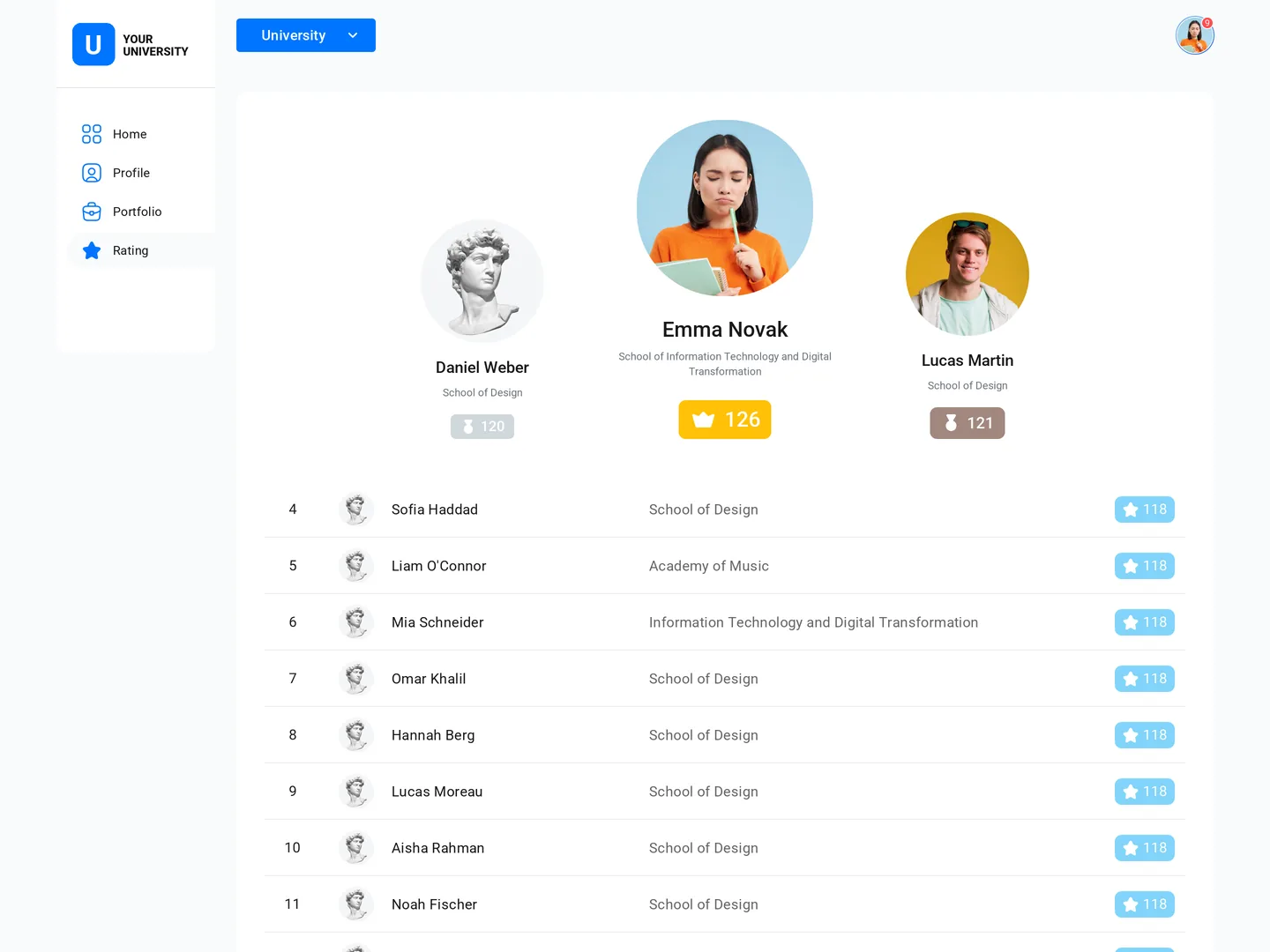
Students keep diplomas, certificates and results in a portfolio. Verified achievements add up to a transparent rating.
- Portfolio with verification
- Ratings by institute and term
- Leaderboards
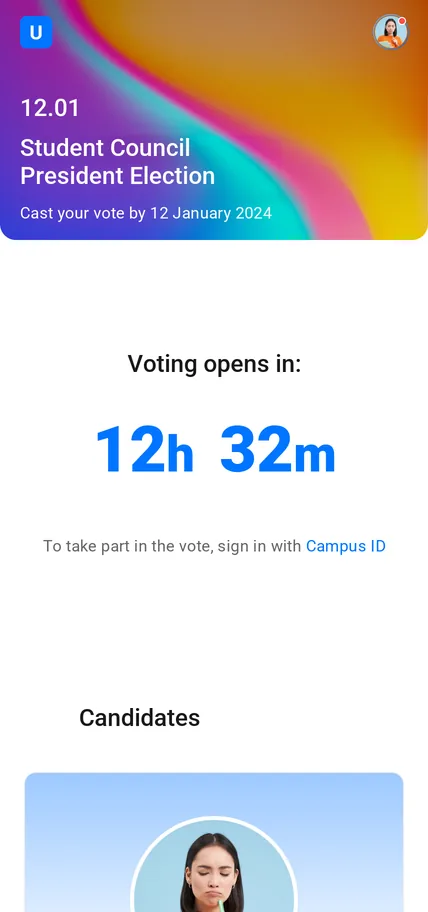
06 · Elections
Student elections, done properly
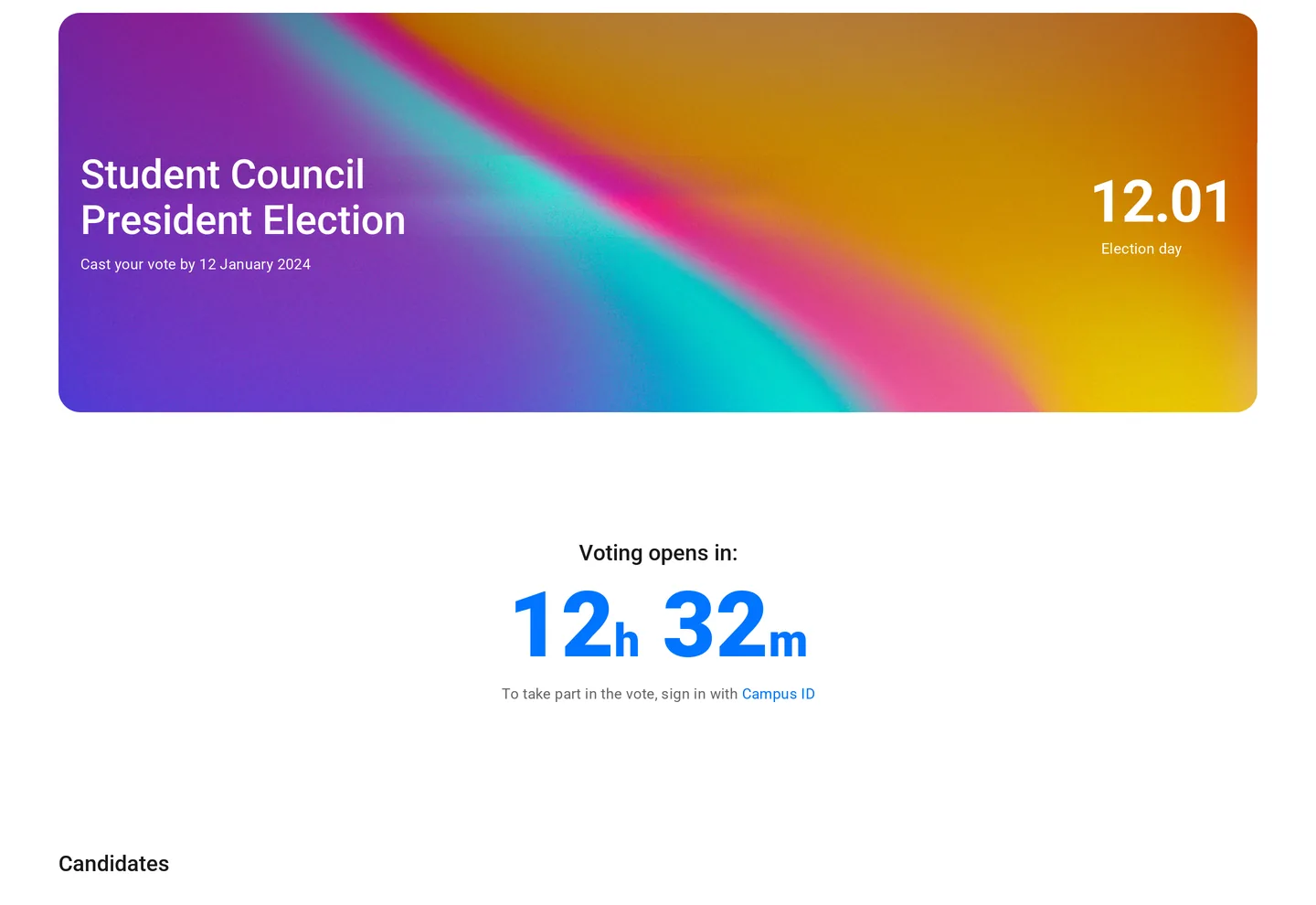
Run student council and other elections online, with candidate pages, scheduled voting windows and one vote per student.
- Candidate profiles
- Scheduled voting windows
- One verified vote per person
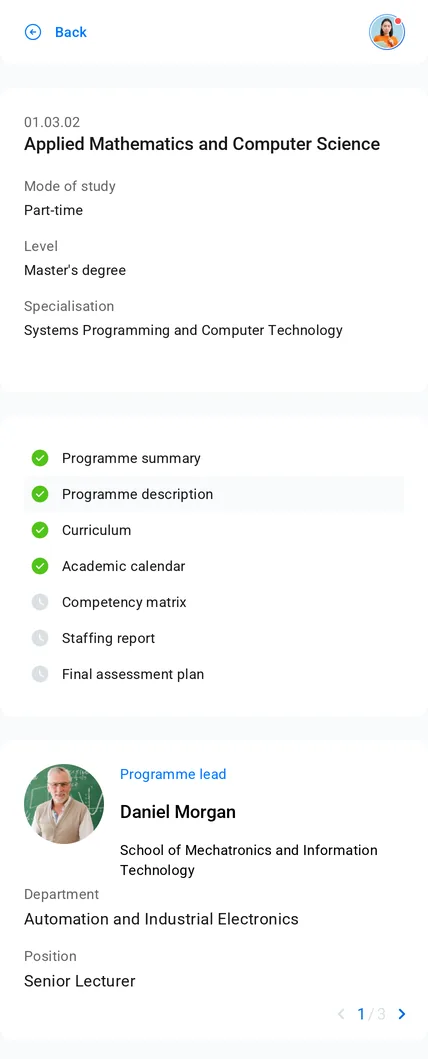
07 · Accreditation
Accreditation-ready programmes
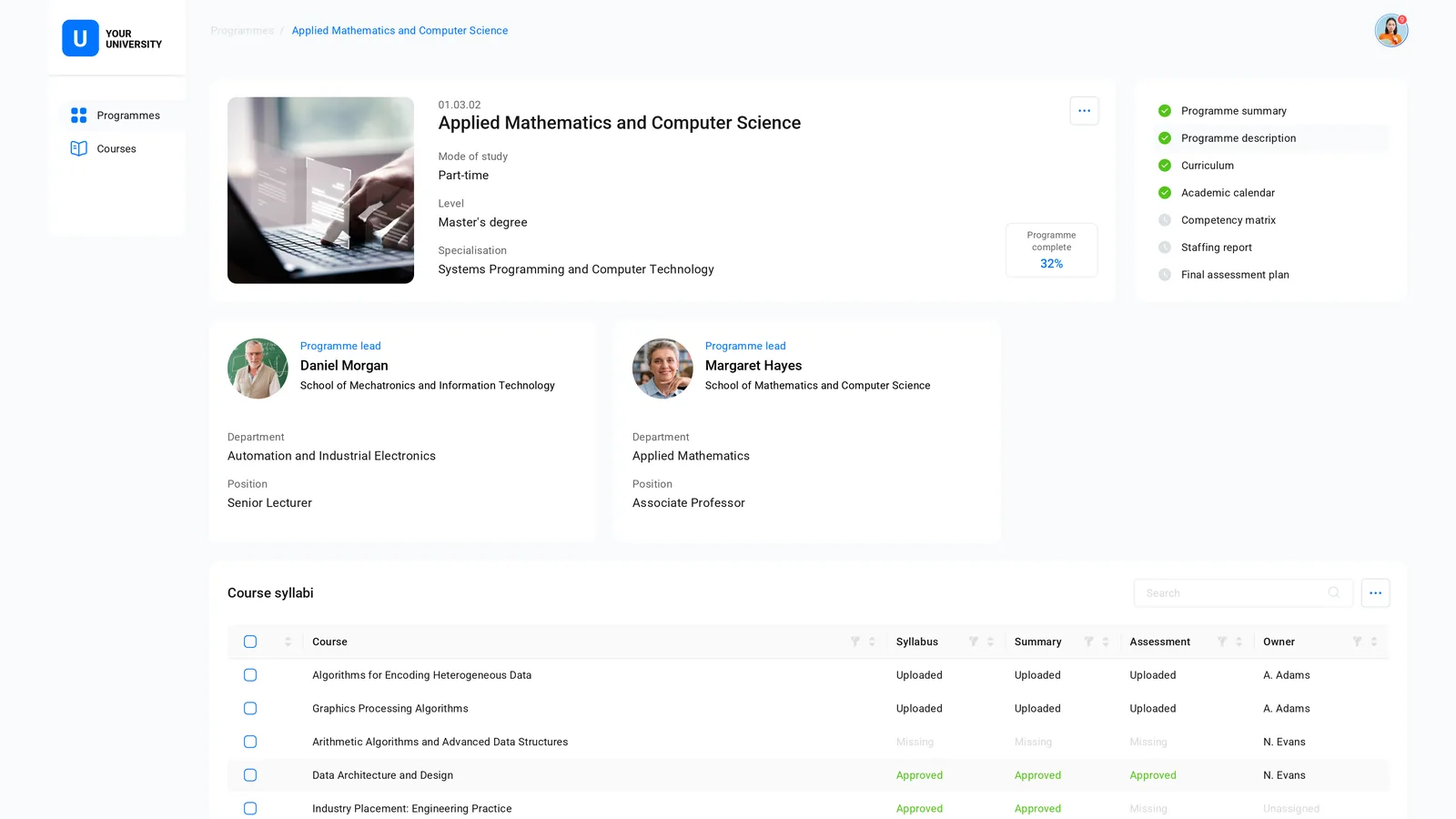
Every degree programme's documents, owners and approval status in one place — so accreditation is a report, not a project.
- Programme registry
- Document checklists
- Syllabus approval workflow
In production
Already running a real university.
Every module on this page is in use at our partner university — and since 2025, every student election there has run on Digiversity.
- 2022In production at a partner university
- 10,000+Students and staff on one sign-in — 100% of the university
- 7Modules in use, from sign-in to accreditation
- ≤ 2Months to launch the first module
White label
Your brand, not ours.
Students see your university's name, logo, colours and domain on every screen. Digiversity stays behind the scenes.
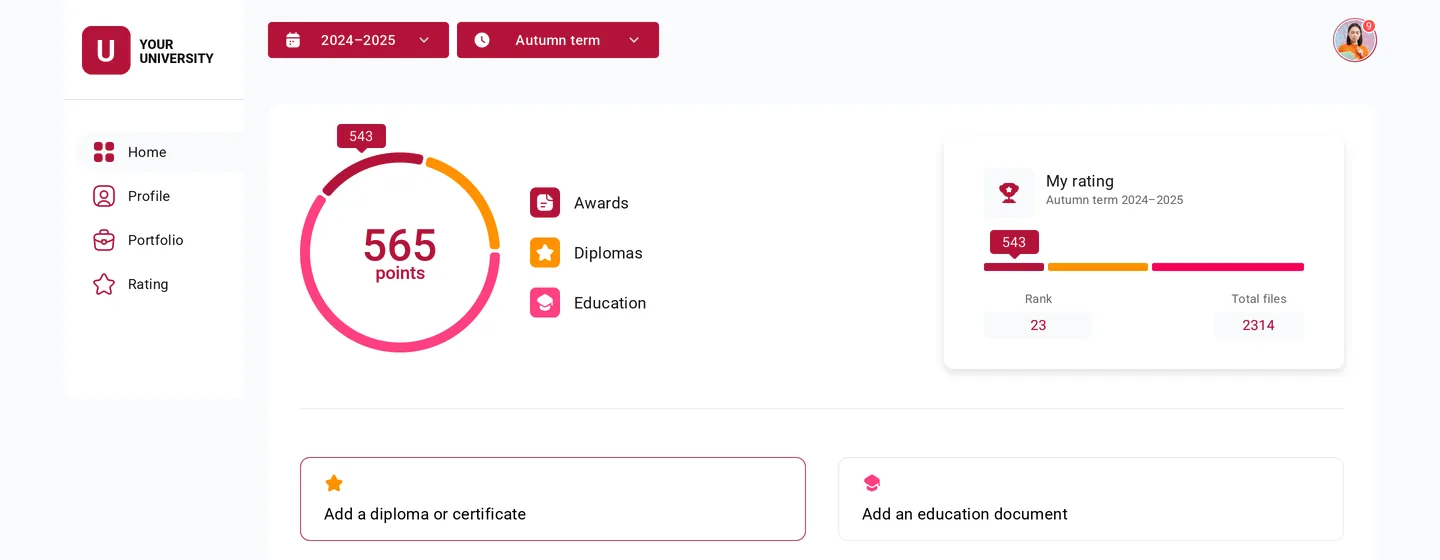 University A
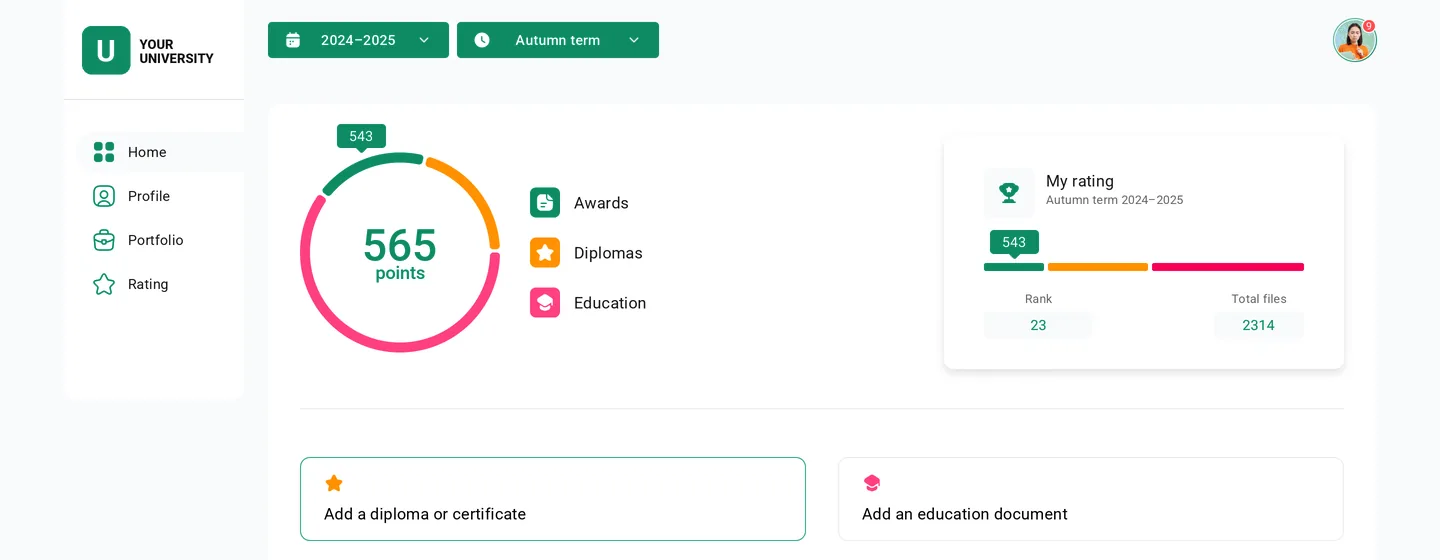 University B
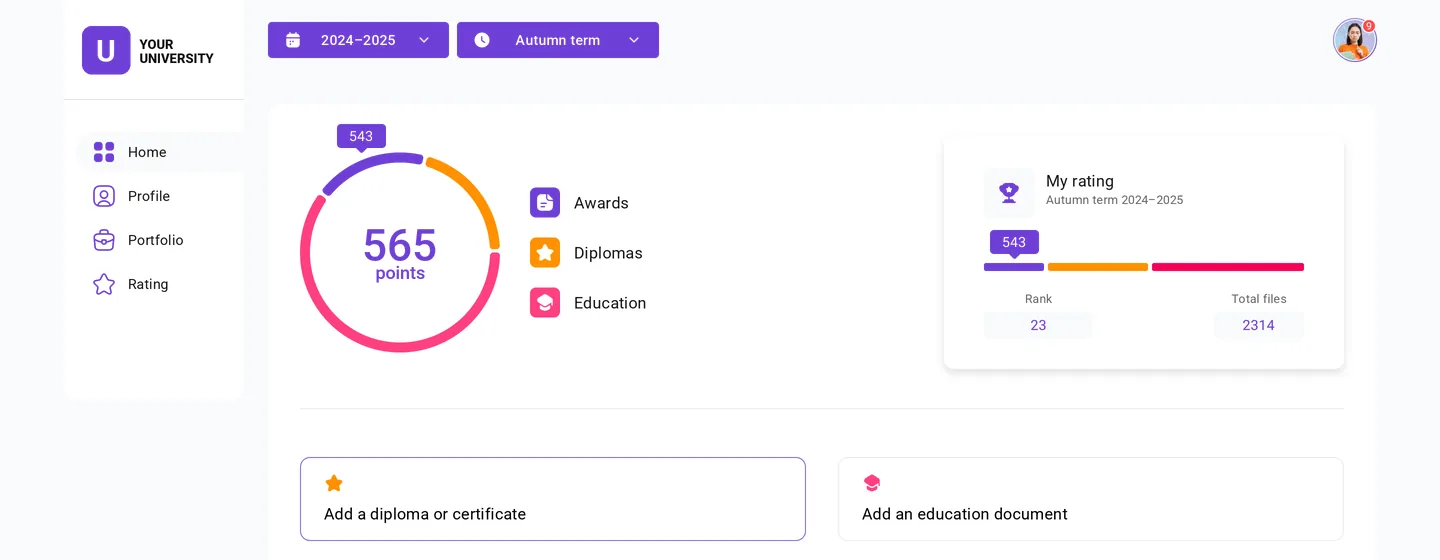 University C
Themeable design system
Set your palette once in configuration — every component in every module follows it.
Your logo and domain
On the sign-in page, in notifications and across every service.
Your languages
A localised interface, including right-to-left scripts such as Arabic.
Platform
What's inside the box
Modules sit on a shared platform layer, so people, permissions and history are defined once and used everywhere.
- Native Moodle integration: single sign-on and proctored quizzes out of the box
- Go microservices connected by an event bus
- PostgreSQL, S3-compatible file storage and an analytics store for audit
- Open standards: OpenID Connect, SAML, documented APIs
- Connects to your student information system and identity provider
- Identity
- Timetable
- Video classes
- Proctoring
- Achievements
- Elections
- Accreditation
- Single sign-on
- Roles & permissions
- Persons registry
- Org structure
- Notifications
- Search
- Audit log
- File storage
Deployment & compliance
Runs where your data must stay.
On-premise
Deployed on your own servers or private cloud. Personal data never leaves your infrastructure.
Works with your systems
Plugs into Moodle, your student information system and identity provider — nothing to replace.
Built for GDPR
Data minimisation, retention controls and a full audit trail of access to personal data.
Accessible
Interfaces designed to WCAG 2.1 AA, in the browser and on phones.
Multilingual
Localised interface in your languages, including right-to-left scripts.
Secure by default
Single sign-on, two-factor authentication, role-based access and audit logging.
Rollout
From pilot to whole campus.
Plan together
We map your structure, systems and priorities, and agree where to start.
Deploy on your servers
We install Digiversity in your data centre or private cloud.
Brand and connect
Your logo, colours, domain and languages. Sign-in, org structure and people imported.
Pilot, then campus-wide
Launch with one faculty, then roll out to the whole university.
Put your university in the box.
See Digiversity with your own structure, languages and brand.